Master Minimalist Web Design and Typography
Learn the fundamentals of clean design, purposeful spacing, and typography that guides users through your digital products. Canada-based resources for web professionals.

Core Principles of Minimalist Design
We cover the essentials that separate professional work from amateur attempts. Each topic builds on the last.
Color Theory Fundamentals
Understand contrast, hierarchy, and how limited palettes create stronger designs. We show real examples from websites you use every day.
Typography Mastery
Font pairing isn’t random. Learn why certain combinations work, how to scale type responsively, and when to break the rules intentionally.
Whitespace Strategy
Empty space isn’t wasted space. Discover how breathing room improves readability and creates a premium feel without adding visual clutter.
Grid Systems
Build flexible, responsive layouts using grid principles. We don’t use complicated frameworks—just solid fundamentals that work everywhere.
Visual Hierarchy
Guide user attention through size, weight, and position. Learn to organize information so people scan your design naturally.
Responsive Design
Your design has to work at every screen size. We teach mobile-first thinking and practical techniques that don’t require complex code.
How Learning Works Here
We’ve structured everything around actual design practice, not just theory.
Study the Fundamentals
Start with core concepts—color, type, spacing. We break down why these matter before showing how to apply them. You’re not memorizing rules; you’re understanding principles.
Analyze Real Websites
Look at actual designs and deconstruct them. What makes this site feel premium? Why does that navigation work? We point out decisions, not just show pretty pictures.
Design Your Own Projects
Apply what you’ve learned to real projects. We provide briefs, feedback, and guidance. You’ll build a portfolio of work that shows you understand the craft.
Why Minimalism Matters
You’ve seen websites packed with features, animations, and visual noise. They’re exhausting. Users don’t remember what they saw—they remember how they felt.
Minimalist design is honest. It strips away everything that doesn’t serve the user. Every element—every color, every word, every shape—has a purpose. When done right, it feels effortless. But that effortlessness takes real skill to achieve.
We’re not teaching you to design boring websites. We’re teaching you to design clear ones. There’s a huge difference. Clarity is magnetic. People trust it. They move through it faster. They remember it.
In Canada’s competitive digital landscape, standing out doesn’t mean being louder—it means being smarter. And smart design starts with understanding these fundamentals.
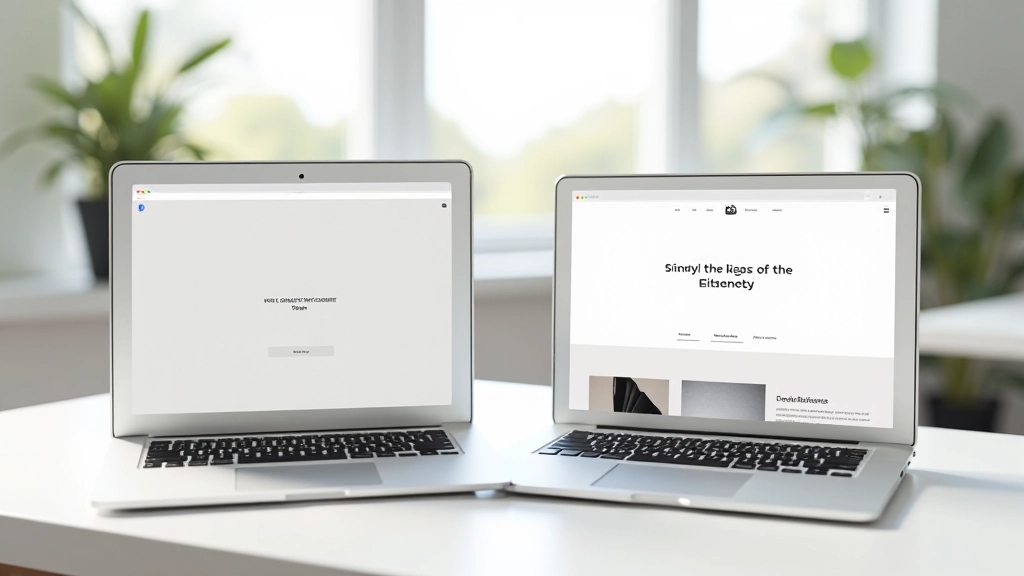
Featured Learning Materials
Deep dives into specific topics. Start here if you’re focused on one area.
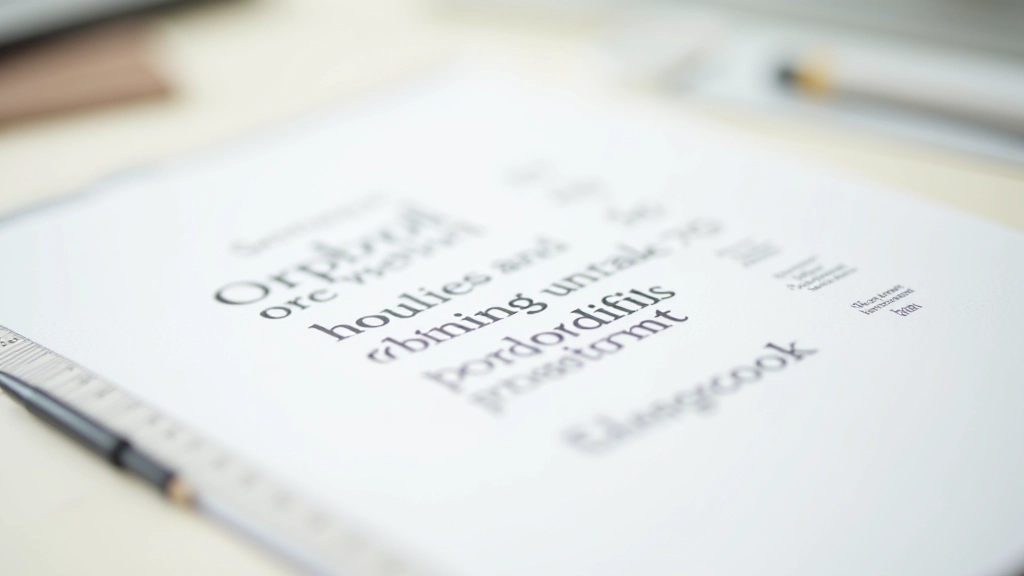
Choosing the Right Font Pairing for Your Website
Understanding how to combine typefaces creates visual interest while maintaining readability. We break down serif, sans-serif, and display fonts with practical examples.
Read Guide
Whitespace as a Design Element: Less Really Is More
Whitespace isn’t empty—it’s intentional. Learn how breathing room improves readability, guides user attention, and creates a premium feel on any website.
Read Guide
Building Visual Hierarchy Without Extra Elements
Guide your visitors through your content using size, weight, color, and spacing. Discover how hierarchy alone can structure information without boxes or dividers.
Read GuideWhat People Are Learning
Real perspectives from people who’ve worked through the material.
“Wasn’t sure I understood the ‘why’ behind good design until I took this. Now when I look at websites, I actually see the decisions. The whitespace lesson changed everything for me.”
— Marcus, Web Developer
“I’ve been designing for years but kept adding more stuff instead of less. This course made me realize that I was confusing complexity with sophistication. Big shift in my work.”
— Jennifer, Design Director
“The typography section alone was worth it. I don’t overthink font pairing anymore—I have a system now. My clients have actually commented that my recent work looks ‘more polished.'”
— David, Freelance Designer
Common Questions
Answers to what people usually ask before getting started.
Do I need design experience to start?
No. We start with absolute fundamentals. If you’ve never opened a design tool before, you’re exactly who we built this for. We explain concepts clearly without assuming prior knowledge.
How long does this take to complete?
That depends on you. Most people spend 2-3 hours per week and finish in 8-10 weeks. But it’s self-paced—work faster or slower based on your schedule. No deadline pressure.
Is this for web designers only?
No. While we focus on web design, the principles apply everywhere—app design, print, packaging, presentations. Minimalism is a language, not a tool-specific skill.
Will I be using design software?
Some lessons include software demonstrations, but we don’t require any specific tool. You’ll learn principles that work in Figma, Adobe XD, Sketch, or even pen and paper. The software is secondary.
Can I get feedback on my work?
Yes. We offer structured critique sessions where you can share your projects and get thoughtful feedback. It’s not auto-graded—you get real human perspective.
Is there a certificate?
We don’t issue certificates. But you will build a portfolio of real work—that’s worth more than any credential anyway. Your projects speak for themselves.
Ready to Master Minimalist Design?
Start learning the principles that separate professional designers from everyone else. Get clear on color, type, spacing, and hierarchy. Build work you’re proud of.
Get StartedSelf-Paced Learning
Work through material at your own speed. Access everything whenever you want.
Real Projects
Apply what you learn immediately. Build a portfolio as you go.
Expert Guidance
Get feedback on your work from people who understand design deeply.